That is where popup plugins start to separate from each other.
Some are great at visual design. Some are easy for beginners. Some are strong for ecommerce. And some focus more on flexibility than conversion data.
In this guide, we compare the most popular WordPress popup plugins in 2026, look at the features that matter most for conversions, and explain where Notifal stands out for site owners who want usability, flexibility, analytics, WooCommerce support, and conversion-focused campaign controls.
Quick picks for 2026:Notifal for all-around WordPress conversions (popups, bars, WooCommerce, free plan). OptinMonster for aggressive lead generation. Popup Maker for traditional WordPress popups. Elementor Pro if you already build in Elementor. Jump to the comparison table or read the full reviews below.
The Criteria We Used in This Comparison
We evaluated each WordPress popup plugin across six conversion-focused areas:
Targeting — pages, posts, products, categories, URLs, user roles, and audience segments
Dynamic content — user, post, product, order, comment, and custom post type personalization
See the quick comparison table for an at-a-glance summary, then read the full plugin breakdown below.
Best WordPress Popup Plugins for Conversions in 2026
1. Notifal – Best Overall for WordPress Conversions
Best for: WordPress users who want a conversion-focused popup and notification plugin with strong flexibility, WooCommerce readiness, modern campaign controls, and multiple notification types beyond standard popups.
Available on WordPress.org
Start Free with Notifal Lite
Install directly from your WordPress dashboard. plugins > Add new > Search Notifal and install. Popups, top bars, floating boxes, and basic targeting, all free. Upgrade to Pro whenever you’re ready for more power.
Notifal is more than a basic popup builder. It is designed for websites that want to improve conversions using targeted popups, notification bars, floating elements, and ecommerce-focused campaigns, all without writing a single line of code!
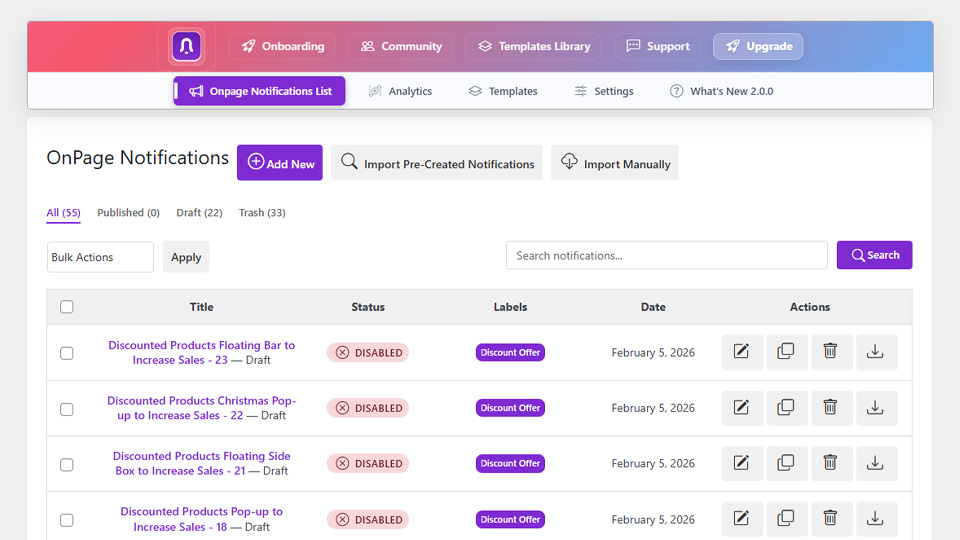
Notifal on-page notification list
The free version is genuinely useful. You get access to:
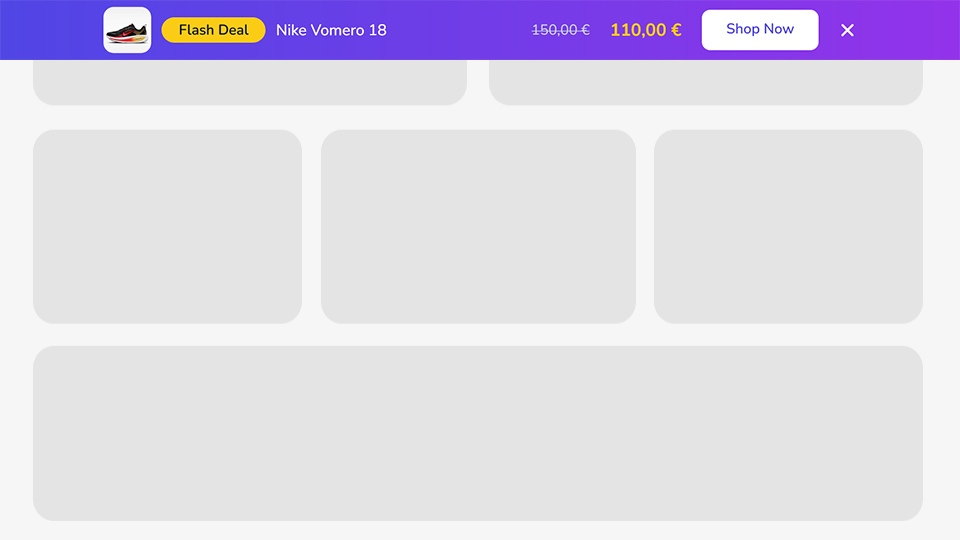
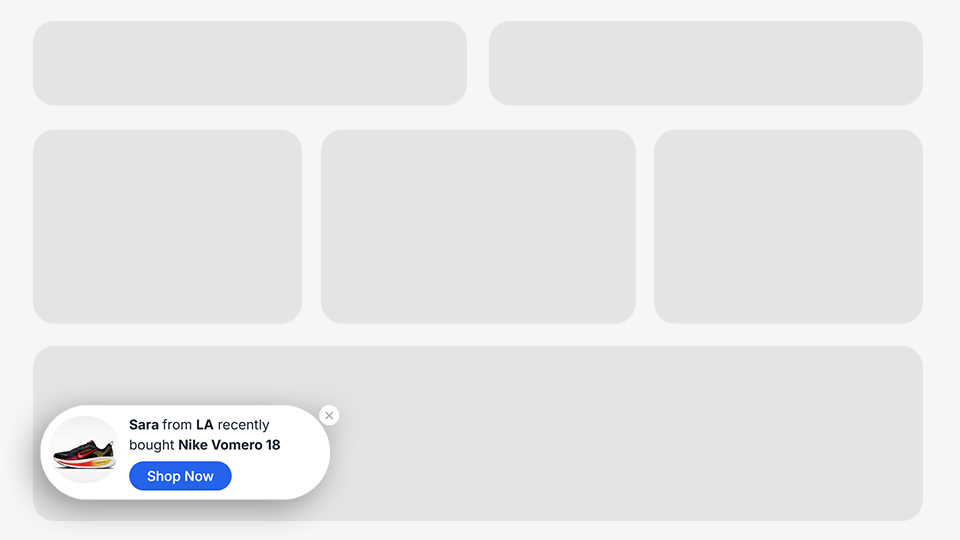
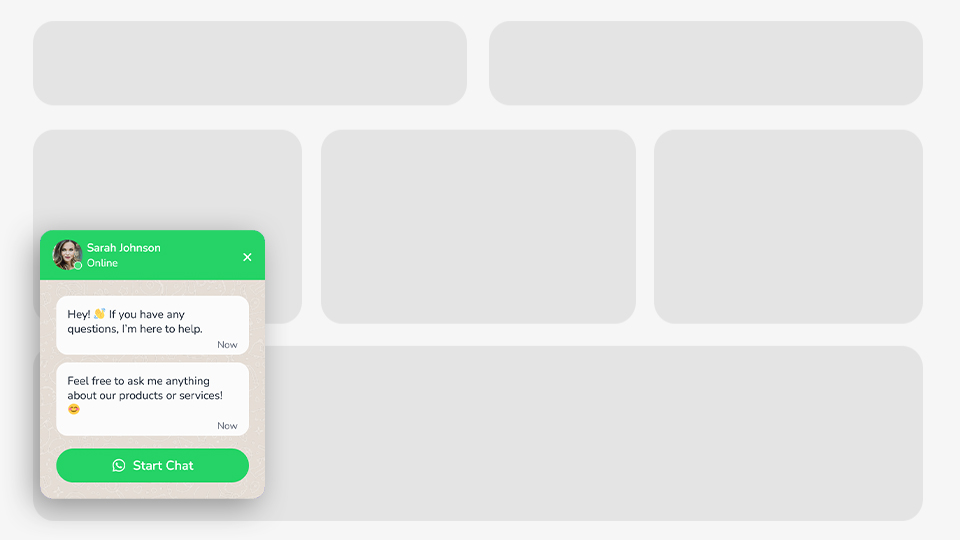
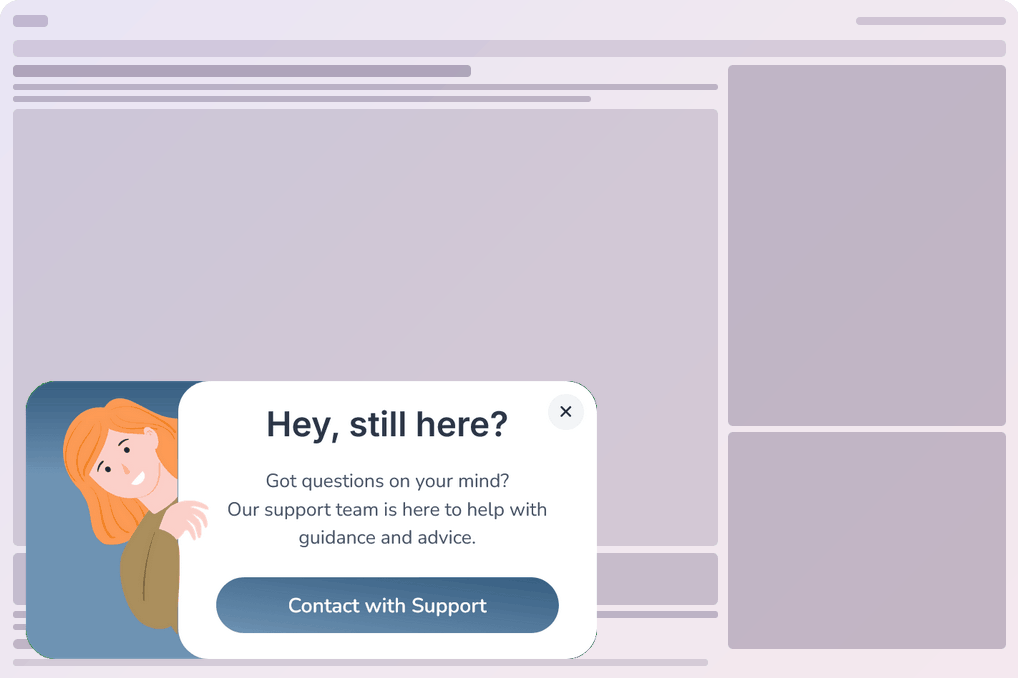
Multiple notification formats (popup modals, top bars, floating side boxes, toast notifications, corner badges, and more)
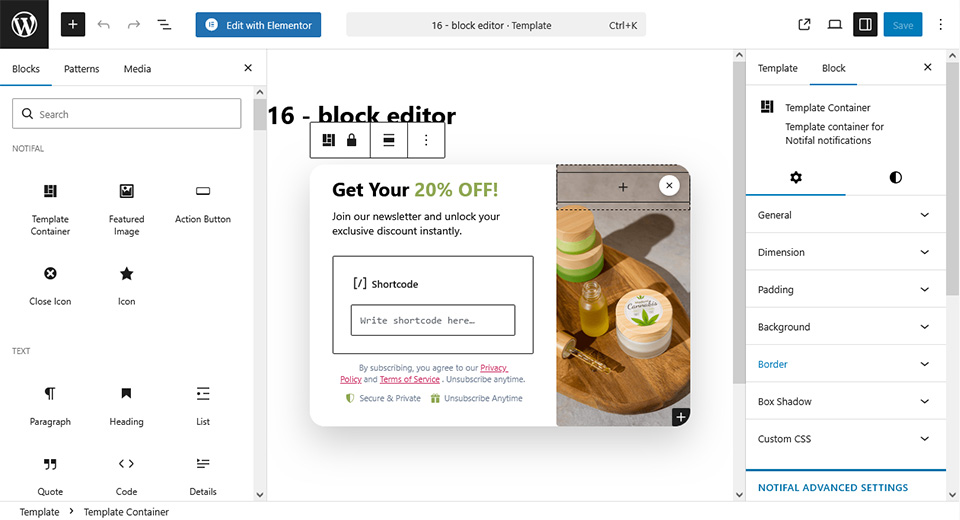
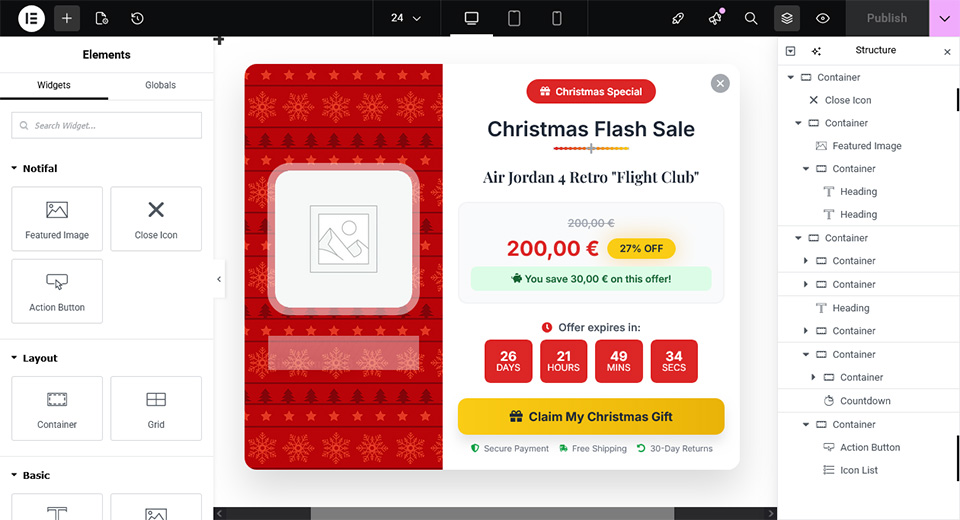
Elementor and WordPress Block Editor integration for creating templates
Basic targeting by page and post type
Revenue tracking for WooCommerce
Page load and delay triggers
Dynamic tags for users, posts, pages, and products
To see the difference between the Lite and pro versions in detail, check pricing page
That means many WordPress sites, including blogs, small stores, local businesses, and content sites, can start converting visitors immediately with the free version, without needing to upgrade.
Notification Types in Notifal
One of Notifal’s biggest differentiators is that it goes well beyond standard popups:
This matters because sometimes a floating side box or toast notification outperforms a full-screen modal popup, and having all formats in one plugin saves you from installing multiple tools.
100+ Templates Covering Every Conversion Goal
Notifal’s template library includes 100+ professionally designed, conversion-ready templates you can import with one click from the WordPress dashboard.
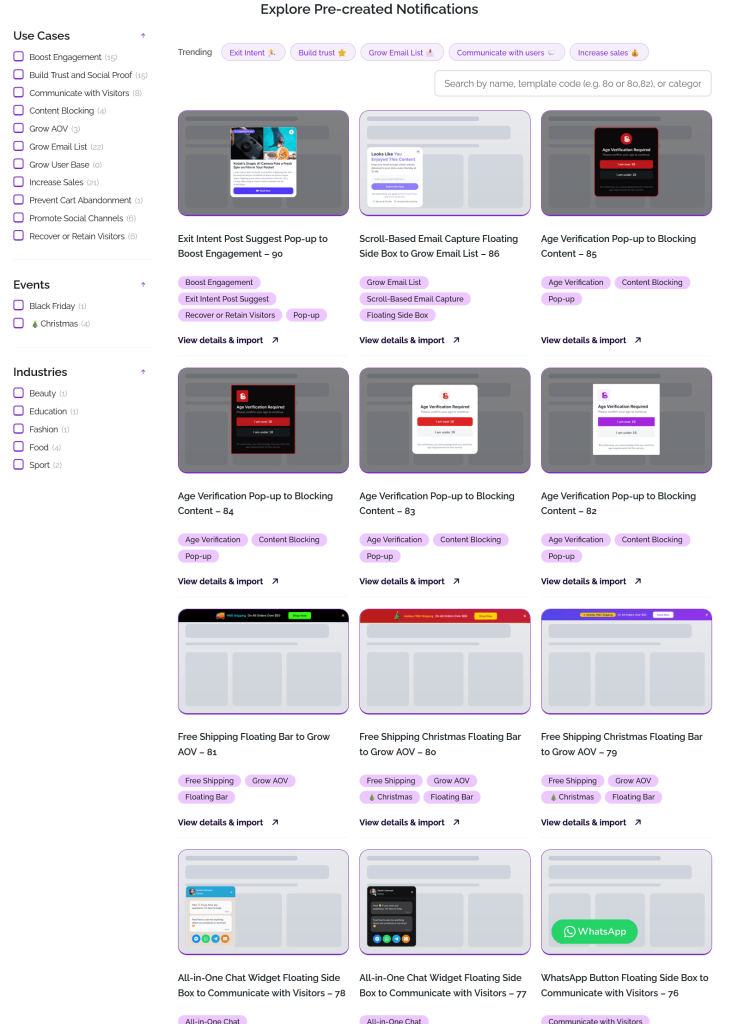
Notifal templates library
The library is organized by conversion goal. Each category below shows a sample of ready-to-import templates. Browse the full template library to filter by use case, layout, event, and builder.
Recent sales notifications, Google rating displays, Trustpilot reviews, customer testimonials, and product review notifications. See the social proof use case.
Engagement Templates
New post announcements, new product launches, YouTube video promotions, and social media follow buttons.
Communication Templates
WhatsApp chat widgets, click-to-call buttons, and all-in-one chat widgets for visitor communication.
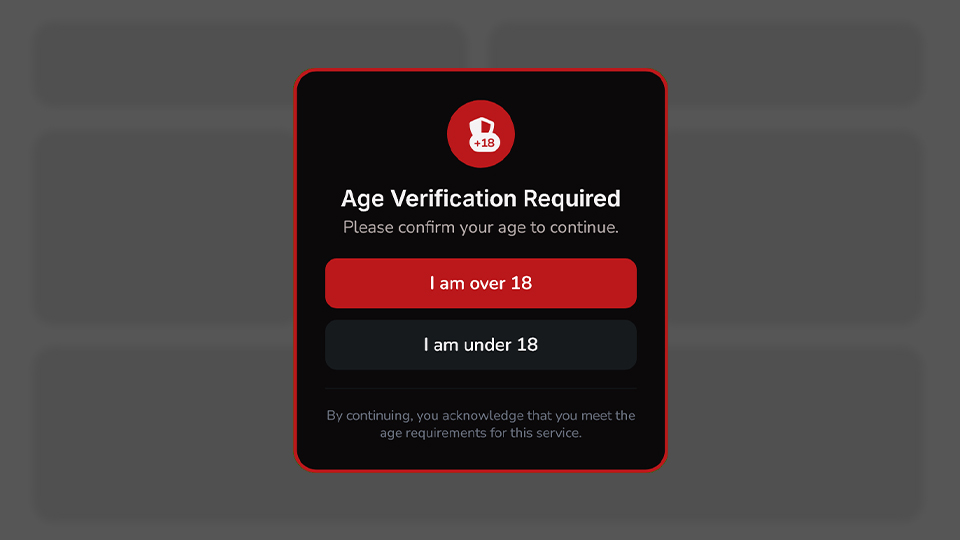
Age verification and registration-required popup templates
Templates work in both Elementor and the WordPress Block Editor. New designs are added regularly, and you can request a specific builder version inside the plugin.
Design Freedom Without Learning a New Builder
Notifal integrates natively with both Elementor and the WordPress Block Editor. Use any widget, block, countdown timer, WooCommerce element, or shortcode from your preferred builder inside Notifal notifications, and edit imported templates in either builder.
Block Editor as Template Builder in NotifalElementor as Template Builder in Notifal
Dynamic Tags for Personalized Messaging
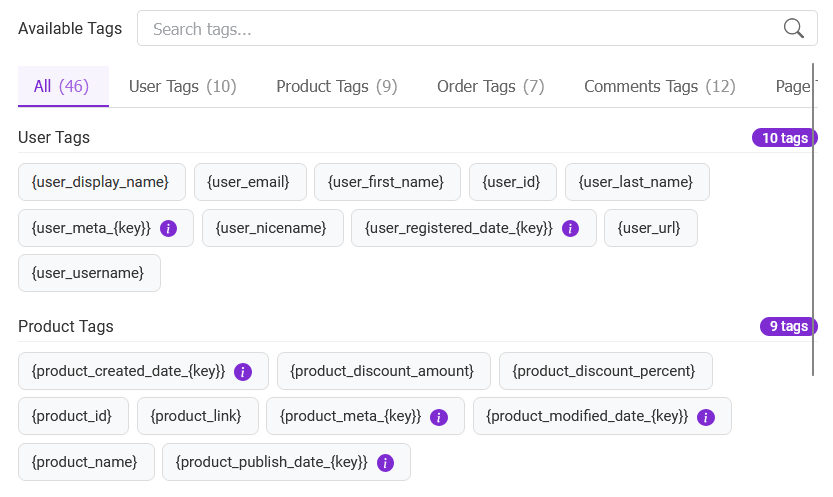
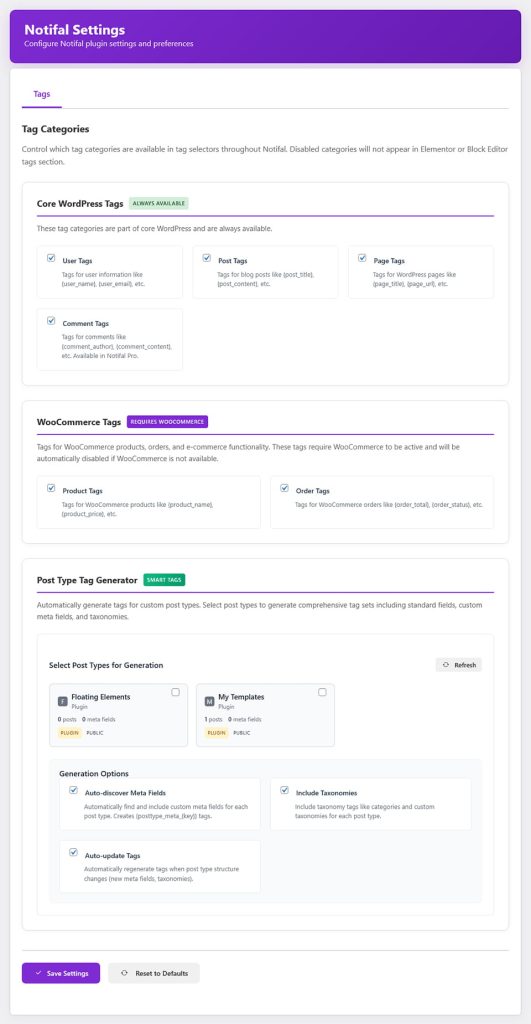
Notifal’s tag system lets you create one notification that updates automatically based on real-time data. Instead of a generic message, visitors see personalized content.
Notifal tags settings
WordPress Tags: Post, page, comment, and user data
WooCommerce Tags: Real-time order and product data
Post Type Tag Generator (Pro): Generate custom tags from any custom post type
For example, instead of showing “New Offer For You,” you can show “New Offer For You, Sara”, pulling the visitor’s name dynamically. Or show the exact product name, price, and discount percentage on a product-specific popup without creating a new notification for every product.
Targeting and Triggers
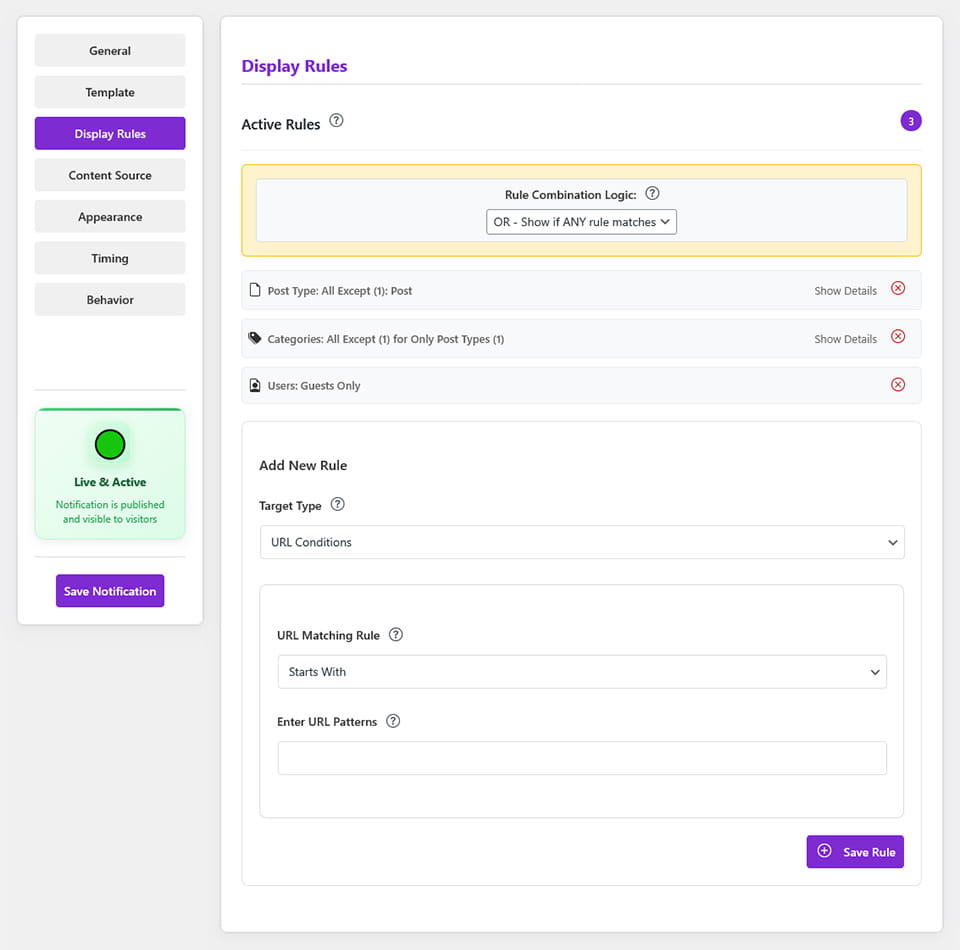
Display Rules:
Targeting by post type, pages, and posts
URL targeting with parameter support (e.g., show different popups to visitors from Facebook vs. Google)
Category targeting for posts and products
User role targeting (guests, subscribers, customers, administrators)
Multi-rule combinations for laser-focused targeting
Triggers:
Immediately on page load
After a set delay
On scroll (trigger at a specific scroll depth)
On exit intent (capture attention right before visitors leave)
After user idle (re-engage inactive visitors)
Custom triggers (click-based triggers by class or ID, JavaScript conditions)
Analytics and Revenue Tracking
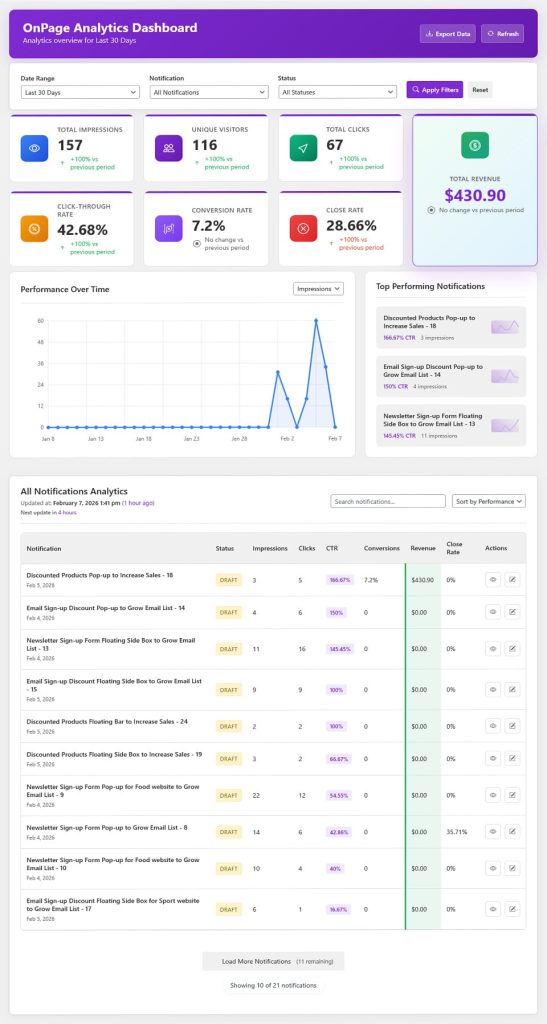
Notifal Analytics
Revenue tracking per notification and across all notifications, so you can see the real monetary impact of your WooCommerce campaigns from day one.
Total impressions and unique users reached
Total clicks and click-through rate
Conversion rate
Close rate
Performance overview charts
Top performing notifications table
Campaign-based analytics filtering
Export analytics data
Campaign Manager
The Campaign Manager lets you group related notifications under one campaign, set a single schedule for the whole promotion, and review performance with campaign-based analytics. This is especially useful for seasonal sales, product launches, and limited-time offers where multiple notifications need to stay coordinated.
To see the difference between the lite and pro versions in detail, see Notifal Pricing →
Possible Limitation
Notifal may be newer or less widely recognized than some older brands, so some users naturally compare it against more established names first. But feature-for-feature, especially for WordPress-native workflows and WooCommerce-focused campaigns, it is one of the most competitive options available in 2026.
Best for: Marketers focused heavily on lead generation who want a mature, well-known conversion toolset.
OptinMonster is one of the best-known names in this market. It is widely used for list building, onsite campaigns, and conversion optimization.
Strengths:
Strong reputation in lead generation
Advanced campaign targeting and triggering
Good template library
Behavior-based rules and exit intent
Limitations:
Often more expensive than WordPress-native alternatives
Some users prefer a fully native WordPress plugin workflow
Ecommerce-specific WordPress workflows can feel less integrated than tools built directly around WooCommerce use cases
How Notifal compares: Notifal has a clear advantage for users who want a WordPress-native experience, more on-site notification formats, direct WooCommerce-focused campaigns, dynamic content tied to WordPress objects, and a unified setup for popup and notification campaigns. For pure lead generation with budget flexibility, OptinMonster remains a serious option. See our full OptinMonster alternative comparison.
Best for: Users who want a flexible and familiar WordPress popup plugin with a long history in the ecosystem.
Strengths:
Well-known in the WordPress community
Flexible popup creation
Good fit for general popup use cases
Limitations:
The experience can feel more popup-centric than conversion-strategy-centric
Analytics and optimization depth may require additional add-ons
Some advanced use cases require piecing together multiple features
How Notifal compares: Notifal is built around complete campaign outcomes with stronger built-in analytics, broader notification formats, more direct WooCommerce conversion use cases, and dynamic tags that support personalized messaging without additional setup.
Best for: Elementor users who mainly want design freedom and already build everything in Elementor.
Strengths:
Excellent design flexibility within Elementor
Familiar workflow for existing Elementor users
Easy brand styling integration
Limitations:
Not always the deepest option for conversion analytics
Ecommerce targeting and specialized notification formats are less focused than dedicated conversion tools
How Notifal compares and why you do not have to choose:
Here is something important: you do not have to choose between Elementor’s design workflow and conversion-focused features.
Notifal supports Elementor natively. You can design your popups, top bars, floating side boxes, and other notifications directly in Elementor using the familiar drag-and-drop builder, then select that Elementor template as your notification design inside Notifal.
That means you get:
Elementor’s design freedom for building your popup layout
Notifal’s conversion features for targeting, analytics, triggers, WooCommerce tracking, dynamic tags, and campaign scheduling
Choosing the most famous tool by default. Brand recognition does not always mean best fit for your specific site and goals.
Choosing a plugin only for design. A beautiful popup with weak targeting and no analytics may still underperform.
Ignoring ecommerce features. Store owners should prioritize WooCommerce support, not just lead generation capabilities.
Using one generic popup across your entire site. Different pages need different offers. A product page visitor is not in the same mindset as a blog reader.
Not reviewing analytics. If you are not checking conversion rate, close rate, and revenue impact, you are leaving real improvements on the table.
Which Popup Plugin Should You Choose?
Choose Notifal if you want:
A WordPress-native popup and notification plugin
Multiple notification formats beyond standard modals
100+ ready-to-use templates for every conversion goal
Strong WooCommerce integration and revenue tracking
Dynamic personalization using WordPress data
Advanced analytics and campaign performance measurement
Targeting and trigger controls that match your site structure
A practical free version that works immediately, with a clear upgrade path
Choose OptinMonster if you want:
A mature lead generation platform with long-term recognition
Strong behavior targeting focused primarily on email capture
Choose Popup Maker if you want:
A traditional WordPress popup plugin with a familiar setup
Primarily popup-focused functionality
Choose Hustle or Icegram if you want:
A simpler tool for basic campaigns with lighter needs
Start with Notifal Free. It Works for Most Sites
One of Notifal’s strongest practical advantages is that the free version is genuinely useful for most WordPress websites.
You do not need to upgrade immediately to see real results. With the free version you can:
Browse and import from 100+ templates
Create popups, top bars, floating boxes, and more
Design with Elementor or the WordPress Block Editor
Target by page and post type
Set page load and delay triggers
Use dynamic tags for users, posts, pages, and products
Track WooCommerce revenue generated by your notifications
When you are ready for scroll triggers, exit intent, advanced targeting, full analytics, unlimited notifications, and campaign scheduling, upgrading to Pro is straightforward.
Install Notifal Free → and start your first campaign in minutes using the template library.
Available on WordPress.org
Start Free with Notifal Lite
Install directly from your WordPress dashboard. plugins > Add new > Search Notifal and install. Popups, top bars, floating boxes, and basic targeting, all free. Upgrade to Pro whenever you’re ready for more power.
There is no single best popup plugin for every WordPress site. But there is a clear difference between basic popup builders and conversion-focused popup platforms.
If your priority is visual design alone, Elementor Pro may be sufficient. If your priority is a well-established lead generation brand, OptinMonster is a serious option (see all alternatives). If you want a familiar WordPress popup tool, Popup Maker remains relevant.
But if you want a plugin that combines strong targeting, useful analytics, WooCommerce support, dynamic personalization, multiple notification formats, a free version that genuinely works for most sites, and a clear upgrade path, then Notifal is one of the strongest overall options to consider in 2026.
Its biggest strength is not just that it creates popups. It helps you run smarter, more targeted, measurable conversion campaigns across every type of WordPress site, and you can start for free today.
Frequently Asked Questions
What is the best WordPress popup plugin for conversions in 2026?
It depends on your goals. OptinMonster is strong for lead generation. Popup Maker is a familiar WordPress option. Notifal is a strong all-around choice for conversion-focused campaigns, especially if you want WooCommerce support, analytics, dynamic content, multiple notification formats, and a free version that actually works from day one.
Is the Notifal free version enough for most websites?
Yes, for many websites. The free version includes access to 100+ templates, multiple notification formats, Elementor and Block Editor integration, basic page and post targeting, page load and delay triggers, WooCommerce revenue tracking, and dynamic tags for users, posts, pages, and products. Most blogs, small stores, and content sites can run effective campaigns without upgrading.
Is Notifal better than OptinMonster?
For some use cases, yes. If you want a more WordPress-native workflow, stronger on-site notification variety, dynamic WordPress data tags, and WooCommerce-oriented campaigns, Notifal can be the better fit. If your main focus is traditional lead generation with aggressive email capture and you prefer a very established brand, OptinMonster may be a better match. Compare both tools in our OptinMonster alternative guide.
Is Elementor Pro enough for popups?
Elementor Pro handles design-focused popup needs well. But if you want stronger analytics, deeper targeting, more varied notification formats, and WooCommerce conversion features, a dedicated plugin like Notifal offers more. Importantly, Notifal integrates with Elementor natively, so you can use both together.
Which popup plugin is best for WooCommerce?
Look for product targeting, category targeting, cart exit popups, free shipping bars, product-specific promotions, Ajax Add to Cart buttons, and revenue tracking. Notifal supports all of these directly and tracks the revenue each campaign generates automatically. Browse cart abandonment, AOV growth, and sales promotion guides for examples.
What makes Notifal different from other popup plugins?
Notifal combines popup building with broader notification formats, 100+ ready-to-use templates, advanced targeting, dynamic tags, WooCommerce revenue tracking, campaign scheduling, and native support for both Elementor and the WordPress Block Editor, all in one plugin that starts free.
Do I need coding skills to use Notifal?
Not at all. Everything is managed through an intuitive interface. You can also request a free configuration where the Notifal team reviews your site and sets up the best notifications for you.